GoLove AI App 2026: Mobile Access, APK Warning & Home Screen Setup
GoLove AI does not have a native app. There is no GoLove AI app on Google Play, no listing in the Apple App Store, and no official APK download. This is intentional — GoLove AI is a browser-based platform that works on any device with a modern web browser, no installation required.
The artificial intelligence companion platform from 404 Intelligence Ltd (Nicosia, Cyprus, HE 466237) was engineered as a web application from the ground up. The machine learning processing runs on GoLove AI's servers and streams to your browser — which is why 86% of its 3–4 million monthly users access it on mobile without ever touching an app store.
This guide covers exactly how mobile access works, why unofficial APKs are risky, and how to set up a home screen shortcut that gives you an app-like experience.
Verified May 2026. No official native app exists. Ignore any third-party sites claiming to offer an official GoLove AI APK download.
GoLove AI Is a Browser App — Here's What That Means
The term "browser-based" means GoLove AI runs entirely within a web browser tab. Visit goloveai.com on Chrome, Safari, Firefox, or any modern mobile browser and you get the full platform — all chat, voice, image, video, and live mode features — without downloading or installing anything.
This architecture has practical advantages:
- No storage space used on your device
- Instant updates — GoLove AI can deploy feature improvements immediately without requiring users to update an app
- Cross-device continuity — sign in from your phone, continue the same conversation from your laptop with identical features
- No app store approval process — GoLove AI can make NSFW features available without navigating platform content policies that restrict adult apps in Google Play and the App Store
The 86% mobile usage rate is the strongest signal that the browser-based experience genuinely satisfies mobile users. If the mobile experience were significantly inferior to a hypothetical native app, that adoption rate would reflect it.
Using GoLove AI on Mobile: iPhone and Android
iPhone (Safari or Chrome)
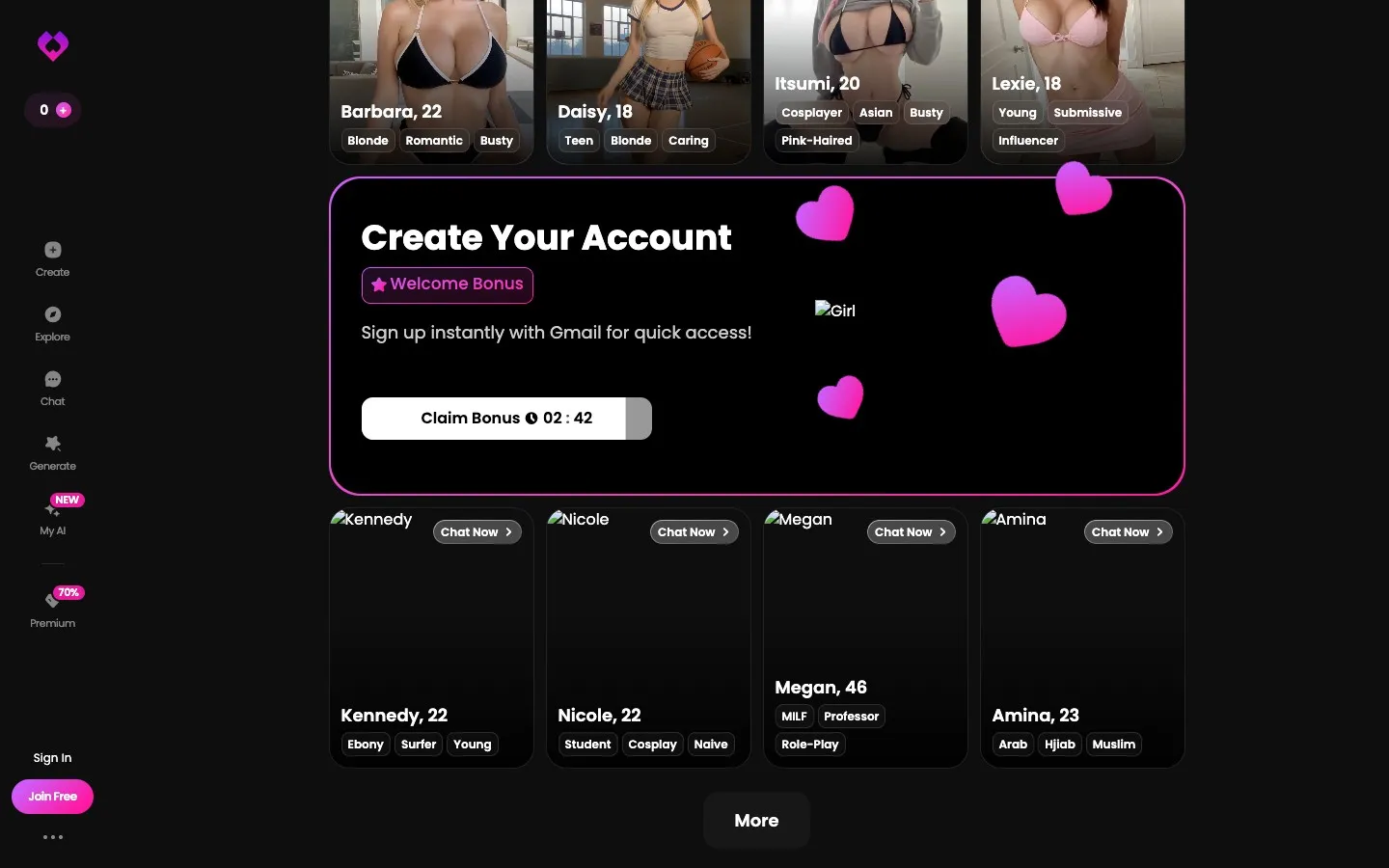
Open Safari or Chrome on your iPhone and navigate to goloveai.com. The interface adapts to your screen size automatically. Touch-optimized elements — large tap targets, swipe-based character browsing, tap-to-play audio — work naturally on iOS.
Full feature access on iPhone:
- Text chat with all 84+ companions
- AI-generated photos (1 Star each)
- Voice message playback (1 Star each)
- AI video generation (10 Stars each)
- Live video mode
- Tinder-style character matching
Goloveai.com is a Progressive Web Application (PWA), which means iOS recognizes it as a web app that can be saved to your home screen for instant access (detailed below).
Android (Chrome)
Android access follows the same pattern — open Chrome (or your preferred browser), go to goloveai.com, and the mobile-optimized interface loads. Android's Chrome browser provides strong PWA support, making the home screen shortcut experience particularly seamless on Android.
All features available on desktop are available on Android mobile browsers. The chatbot and AI generation features run identically regardless of which device you're using.
Desktop (Windows, Mac, Linux)
GoLove AI works on any desktop browser: Chrome, Firefox, Safari (Mac), Edge. The desktop interface displays at full width, making tables, character galleries, and chat threads easier to navigate. Users who prefer keyboard interaction for longer conversations may find desktop more comfortable for extended text sessions.
APK Downloads: Why You Should Avoid Them
Search results for "GoLove AI APK download" return third-party sites offering unofficial downloads. These are not affiliated with GoLove AI or 404 Intelligence Ltd.
Risks of installing unofficial GoLove AI APKs:
- Malware and data theft — unofficial APKs can contain code that steals credentials, reads messages, or accesses other apps on your device
- No security updates — unofficial builds don't receive GoLove AI's legitimate security patches
- Account exposure — if you log into your real GoLove AI account through a compromised APK, your account credentials may be captured
- No official support — GoLove AI support cannot help with issues originating from unofficial APK installations
The legitimate platform is entirely accessible through any web browser — there is no feature advantage to installing an unofficial APK. The risk is entirely one-sided.
How to Add GoLove AI to Your Home Screen (PWA Setup)
A Progressive Web App shortcut gives you one-tap access to GoLove AI from your phone's home screen — functionally identical to how a native app icon works.
On iPhone (Safari):
- Open goloveai.com in Safari
- Tap the Share button (the box with an upward arrow at the bottom of the screen)
- Scroll down in the share sheet and tap "Add to Home Screen"
- Edit the name if desired (e.g., "GoLove AI")
- Tap "Add" in the top right
- The GoLove AI icon now appears on your home screen
On Android (Chrome):
- Open goloveai.com in Chrome
- Tap the three-dot menu (top right)
- Tap "Add to Home screen"
- Confirm the name and tap "Add"
- The icon appears on your home screen
Tapping the home screen shortcut opens GoLove AI directly in a full-screen browser view — no visible browser address bar, no navigation cluttering the interface. For most practical purposes, this is indistinguishable from a native app experience.
For a step-by-step guide to all features once you're inside the platform, see the how to use GoLove AI guide. For a full evaluation of what GoLove AI delivers, including all tested features and a final score, see the complete GoLove AI review.
Frequently Asked Questions
No. GoLove AI does not have a native mobile app in Google Play or the Apple App Store. It is a browser-based platform accessed at goloveai.com through any mobile browser. The mobile web experience is full-featured and optimized for touch — 86% of GoLove AI users access the platform from mobile devices despite the absence of a native app.
There is no official GoLove AI APK. Any APK file offered on third-party websites claiming to be GoLove AI is unofficial and potentially unsafe. GoLove AI is designed as a web application — all features are accessible through a standard mobile browser without any APK installation.
On iPhone: open goloveai.com in Safari, tap the Share button, then tap "Add to Home Screen," and confirm. On Android: open goloveai.com in Chrome, tap the three-dot menu, select "Add to Home screen," and confirm. The resulting icon provides one-tap access to GoLove AI with a full-screen, app-like interface.
Yes. GoLove AI works fully on iPhone through Safari or Chrome. All features — text chat, voice messages, AI image generation, AI video, and live video mode — are available through the iPhone browser interface. The site is touch-optimized and performs reliably on iOS.
Functionally yes — all features available on desktop are available on mobile. The visual layout differs (narrower columns, touch-optimized navigation), but feature parity is complete. Some users prefer desktop for extended text conversations due to keyboard input; others prefer mobile for the familiar swipe interface in the character gallery. Performance and AI feature availability are identical across both.